
Scattered files
Plans, permits and photos sent by email, WhatsApp or USB stick, with no single place to check.
DOCUMENTS & PHOTOS
Plans, permits, technical sheets and site photos, organized by project and accessible anytime, from your phone or the office.
| Document | Type | Project | Upload date |
|---|---|---|---|
PSite plan.pdf |
North Residential | Sep 12 | |
PBuilding permit.pdf |
North Residential | Sep 10 | |
XMaterial estimate.xlsx |
Excel | North Residential | Sep 08 |
DHandover report.docx |
Word | North Residential | Sep 03 |
CURRENT CHALLENGES
Plans lost in email, photos scattered across personal phones, old documents nobody can locate — common problems on site.
Plans, permits and photos sent by email, WhatsApp or USB stick, with no single place to check.
Progress photos taken on personal phones that stay there and never make it into the project record.
Finding an old document means digging through folders and past conversations.
It's not always clear which document is the latest, or who added it.
CENTRALIZED
Every project has its own space in BuildManage, where site documents and photos are uploaded, organized and kept for the life of the job.
| Document | Type | Project | Upload date |
|---|---|---|---|
PSite plan.pdf |
North Residential | Sep 12 | |
PC25/30 concrete data sheet.pdf |
North Residential | Sep 05 | |
DExecution schedule.docx |
Word | North Residential | Sep 02 |
XWorks statement.xlsx |
Excel | North Residential | Aug 29 |
DOCUMENT TYPES
From technical plans to administrative papers, every document finds its place.
Site plans, technical sketches and execution drawings.
Permits, approvals and paperwork needed to run the project.
Material data sheets, quality certificates and technical specs.
Works statements, handover reports and acceptance documents.
Other files useful for day-to-day site work.
PHOTO GALLERY
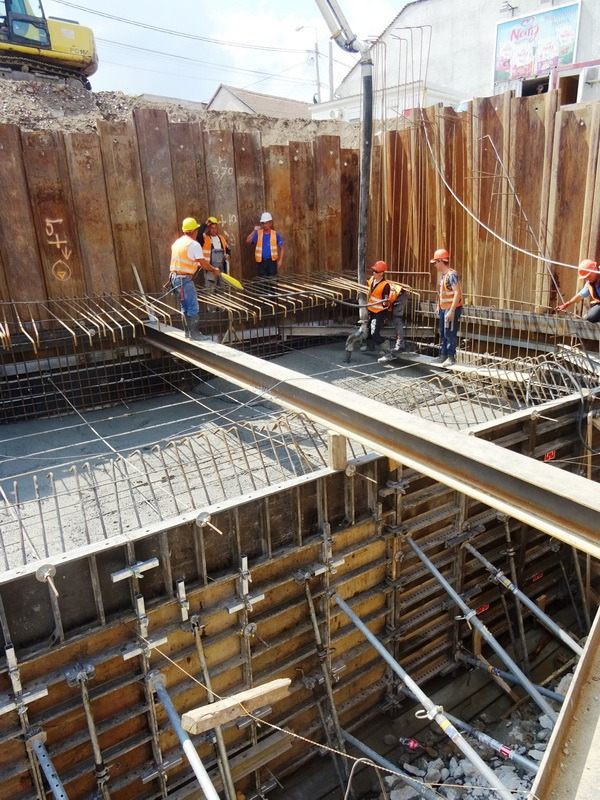
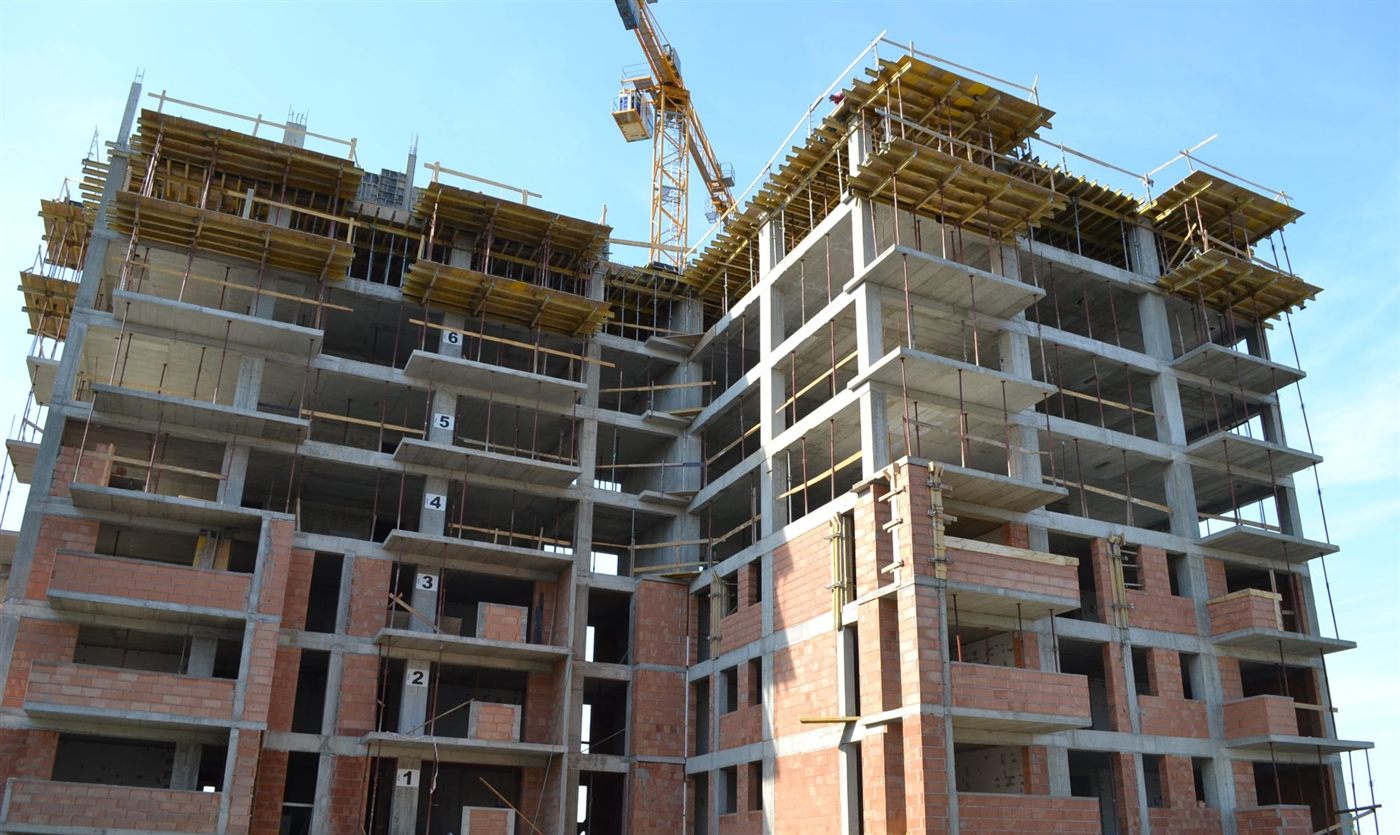
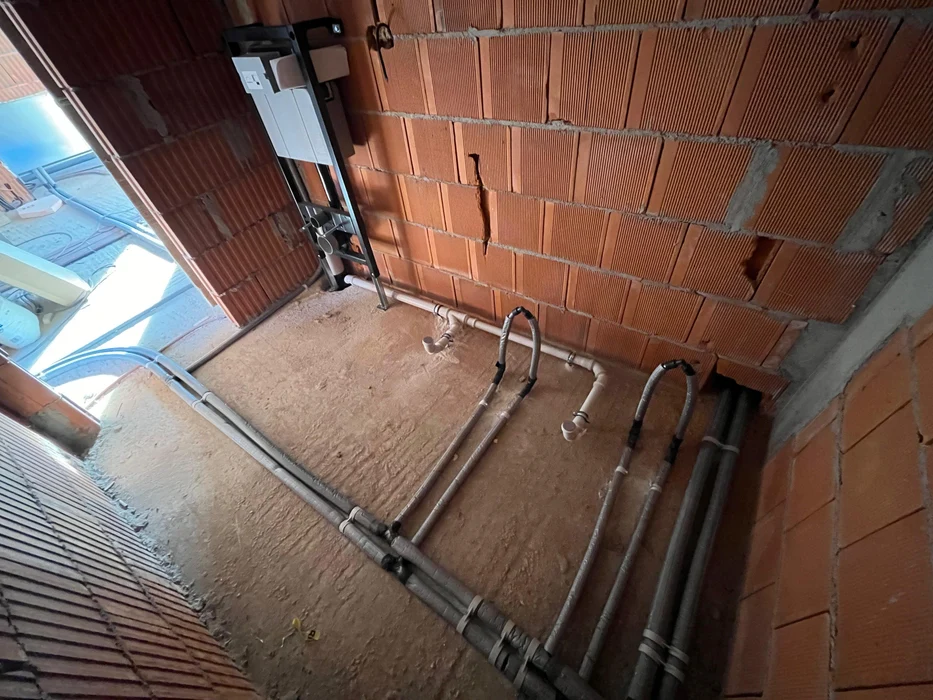
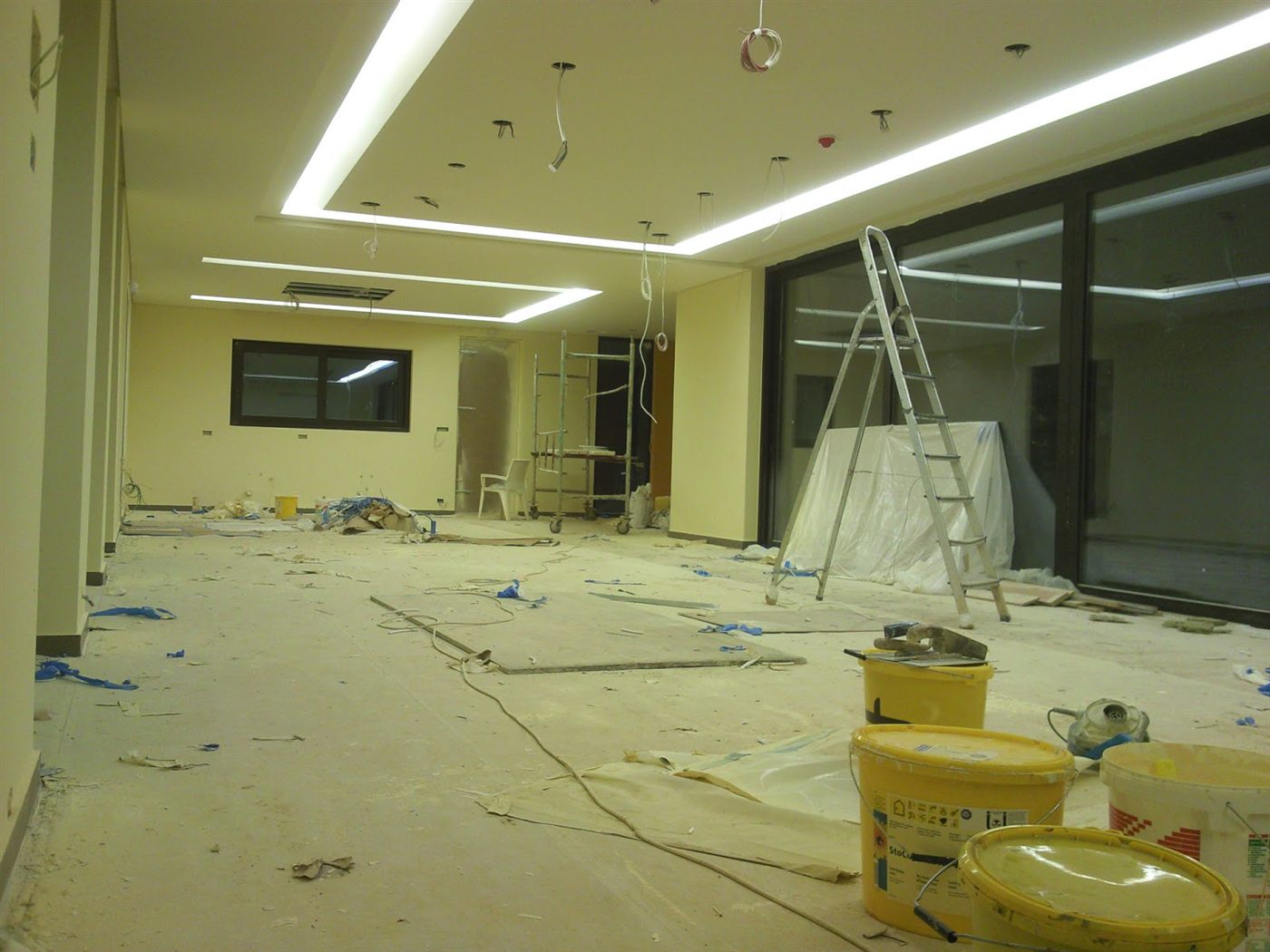
Photos uploaded from the field stay organized by project, so you always have a clear picture of how the work is progressing.
PROJECT ORGANIZATION
Documents and photos are grouped automatically by category, inside each project.
QUICK ACCESS
Search by file name and filter by project or document type to get to what you need, fast.
HISTORY & TRACEABILITY
Every document and photo keeps track of which project it belongs to and when it was uploaded.
CONNECTED TO SITE ACTIVITY
Photos and documents complement site reports, for a complete picture of every project.
| Module | Connection to documents |
|---|---|
| Site reports | Progress photos complement the information in daily reports. |
| Site management | Project documents are accessible directly from the site page. |
| Team management | Team members assigned to a project have access to its documents. |
| Costs & resources | Material data sheets stay available alongside the resource records. |
BENEFITS
No more digging through emails or old chats for a document.
Upload and check files straight from your phone, right on site.
Photos organized by project show how the work has evolved over time.
Documents stay available to the team, regardless of staff changes.
FOR EVERY ROLE
Has access to all the documents and photos of the projects they oversee.
Uploads progress photos straight from the field, without extra hassle.
Quickly finds plans and technical sheets whenever needed.
Sees the documents of every active project in one place.
| Without BuildManage | With BuildManage |
|---|---|
| Documents sent over email or WhatsApp | Documents centralized on each project |
| Photos left on personal phones | Photos uploaded and organized by project |
| Manual search through folders | Quick access, filtered by project and document type |
| Documents lost when the team changes | Documents kept for the life of the project |
| Access from a single computer only | Access from any device, anytime |
| No link between documents and site reports | Documents connected to field activity |
FREQUENTLY ASKED QUESTIONS
You can upload the usual site documents and photos — plans, permits, technical sheets, works statements and progress images — in the formats supported by the platform.
Yes. You can upload field photos directly from the app, using a phone or tablet.
Documents and photos are grouped by project and by category, so they're easy to find.
Search works by document name, project and file type. The platform does not currently offer full-text search inside file contents.
No. BuildManage provides a centralized space for site documents and photos, organized by project — not a complex document management system with approval workflows or advanced versioning.
Access is granted to team members assigned to that project, based on their role in the platform.
MORE EFFICIENT CONSTRUCTION
Discover how BuildManage helps you centralize every site's documents and photos, in one place your team can access.