
Photos on WhatsApp
Images end up in conversations and become hard to find later.
SITE REPORTS
Centralize activities, crews, photos, materials, incidents and daily notes into a single report.
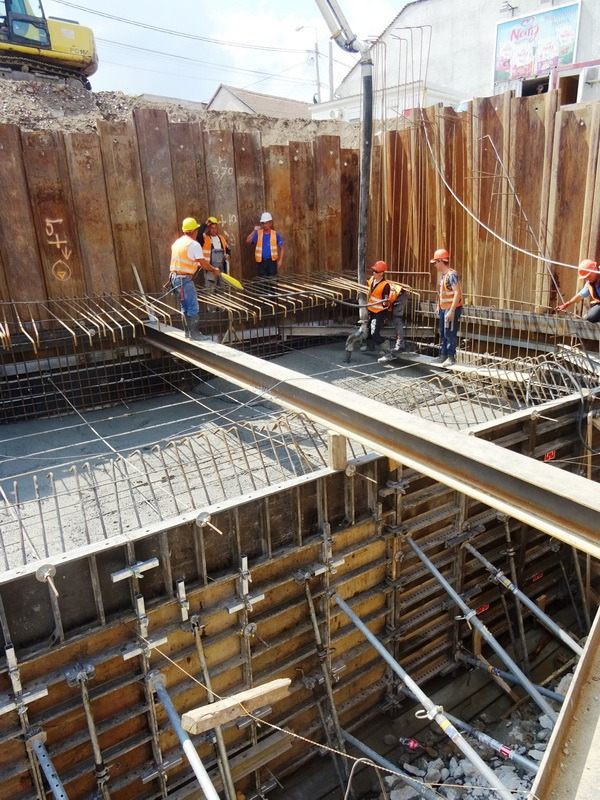
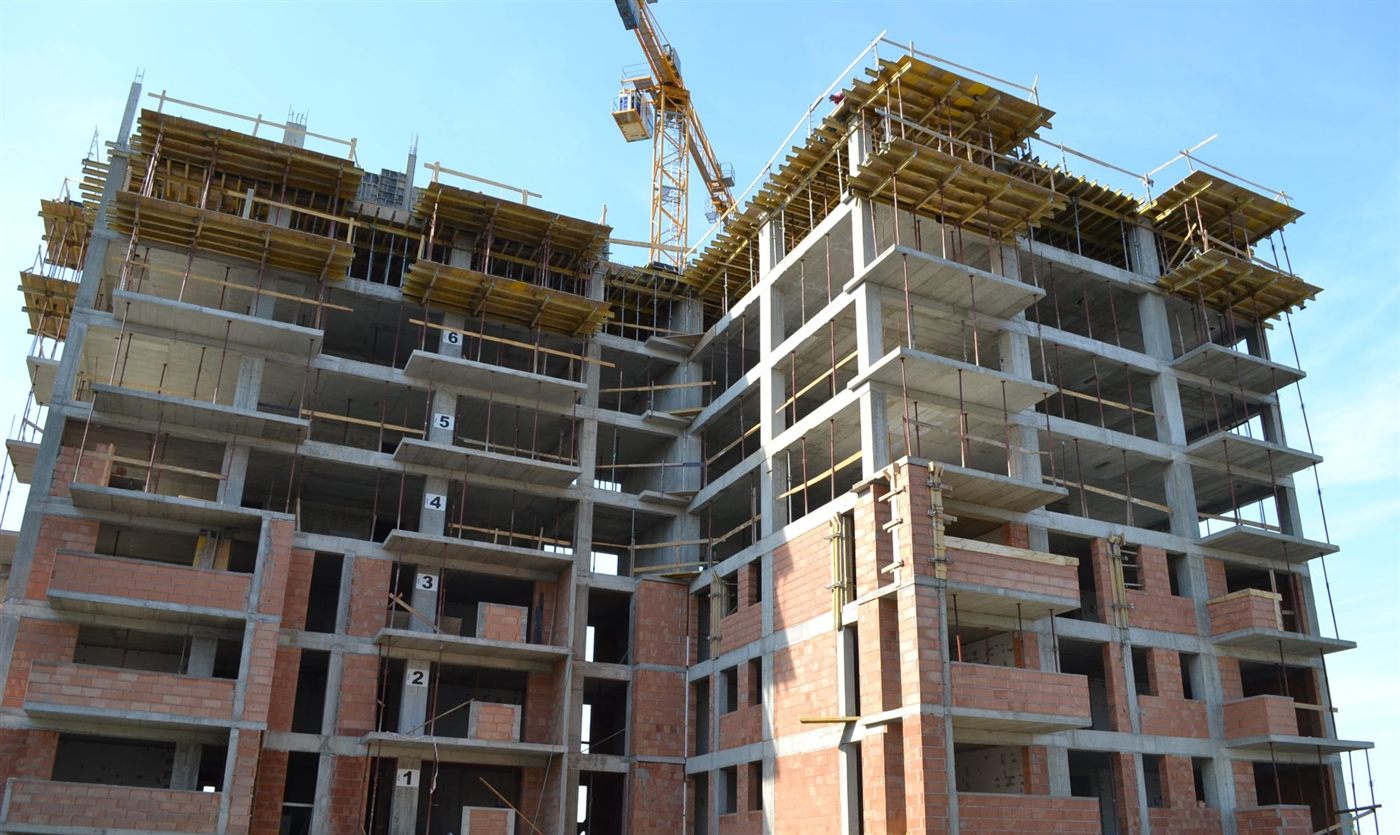
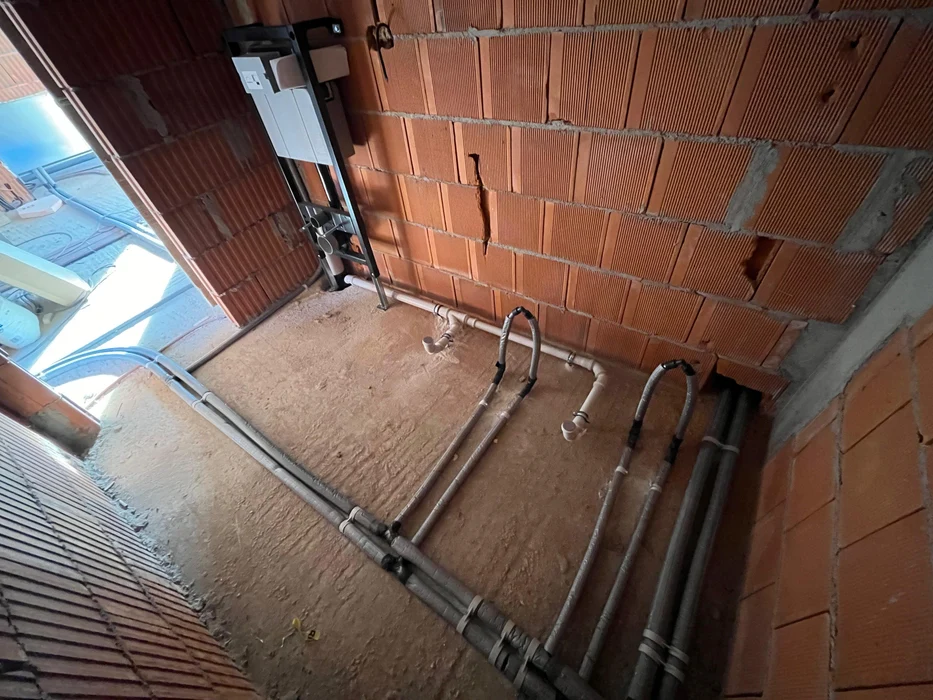
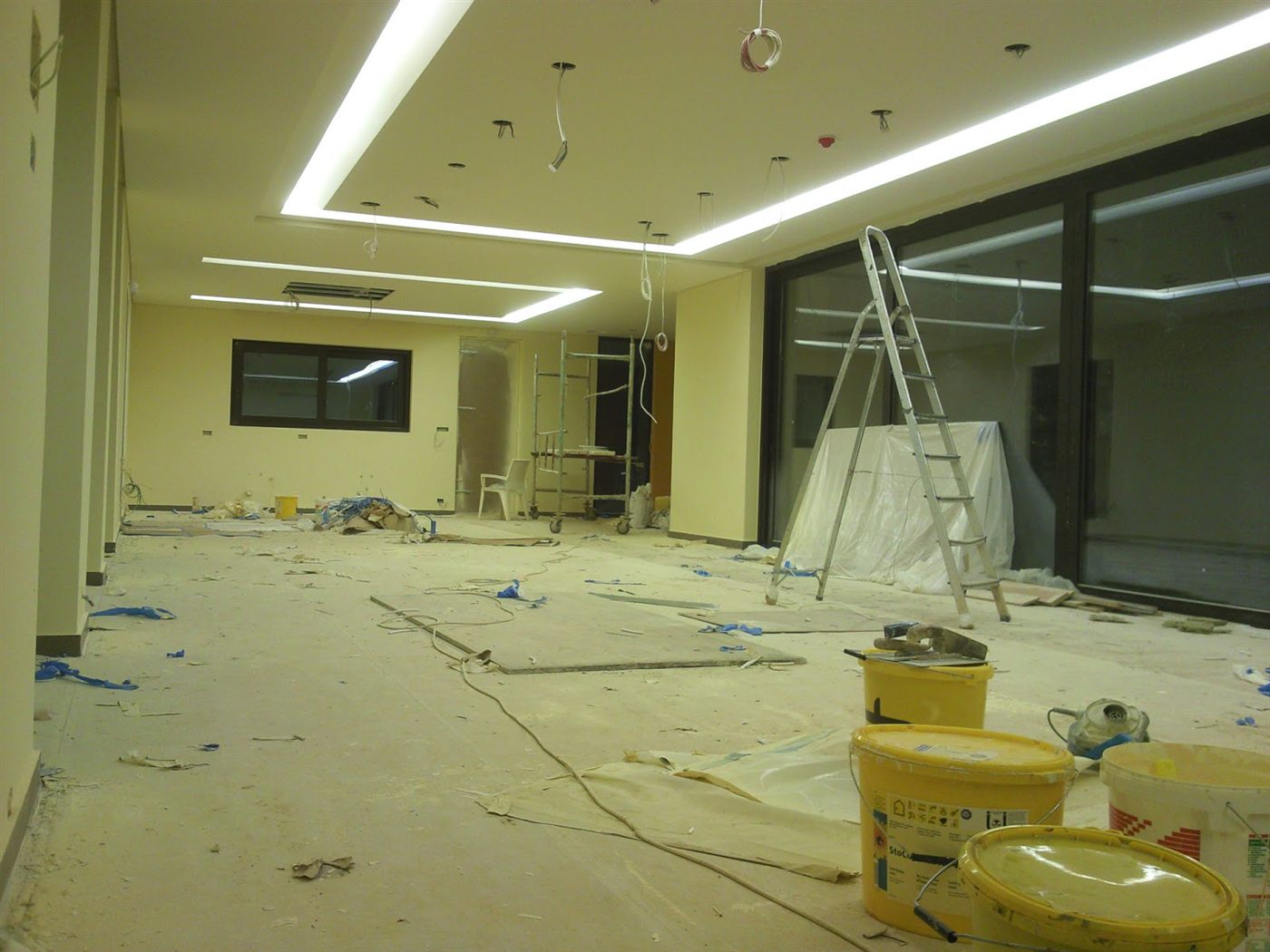
Site photos
THE REPORTING CHALLENGES
When information comes in through multiple channels, management spends time centralizing and verifying the data.
Images end up in conversations and become hard to find later.
Each project can end up using its own format and its own records.
Details about activities, crews or incidents can get lost.
Management sees the project situation only after the information has already been centralized manually.
EVERYTHING IN CONTEXT
The work carried out and its current status.
The teams and the number of people involved.
The materials used or needed.
The machinery and equipment used.
The issues and situations that came up on site.
Visual evidence tied to the day and its activities.
HOW IT WORKS
Every daily report reaches the project automatically and is available to the whole team.
The crew fills in the report
They add activities and notes
They attach photos and relevant information
The report is saved to the project
Management sees the centralized picture
COMPLETE REPORT
BuildManage site reports include all the information relevant to a complete and accurate record of field activity.
Activities carried out
| # | Activity | Zone | Status |
|---|---|---|---|
| 1 | Formwork, floor 2 | Floor 2 | Completed |
| 2 | Column reinforcement | Floor 2 | In progress |
| 3 | Concrete pour | Floor 1 | Completed |
| 4 | Partition masonry | Floor 1 | In progress |
BENEFITS
All the data in a single place.
Reports generated quickly, without manual effort.
A clear picture of progress and resources.
A detailed history for every project.
VISUAL DOCUMENTATION
Attach photos directly to the daily report and keep a visual history of how the work progressed.
TRACK THE EXCEPTIONS
Incidents and notes from the field can be logged directly in the project context, alongside photos and relevant information.
Concrete delivery delayed by 2 hours.
REPORTING
Filter reports by period, site or status, and quickly find the information you need.
| Date | Site | Manager | Activities | Incidents | Status |
|---|---|---|---|---|---|
| 14.09.2026 | Bloc Nord | A. Popescu | 5 | 1 | Submitted |
| 14.09.2026 | Shopping Center | M. Radu | 7 | 0 | Approved |
| 13.09.2026 | Logistics Warehouse | C. Ionescu | 4 | 2 | Submitted |
FROM DATA TO DECISIONS
Progress by project
Incidents by status
Daily reports contribute to a clearer picture of project activity and let management track progress, resources and situations that need attention.
MULTIPLE PROJECTS
Instead of asking for each project's status separately, get a centralized view of reports and activity across the company.
FOR EVERY ROLE
Fills in the day's activity quickly and keeps all the project's information in order.
Reviews reports, progress and situations that need attention.
Compares projects and uses centralized data to make decisions.
| Without BuildManage | With BuildManage |
|---|---|
| Photos on WhatsApp | Photos attached to the report |
| Separate spreadsheets | Centralized reports |
| Information received by phone | Data logged in the project |
| Documents in folders | Documents in context |
| History that's hard to track | History by site and period |
| Manual centralizing | Automatically structured information |
Centralize field reporting and give management the information it needs, in a single system.
Access depends on the roles and permissions configured in BuildManage. The report can be filled in by users authorized for that project.
Yes, if the feature is active in the module you're using, photos can be attached to the report and the project.
Yes. Reports stay in the project's history and can be reviewed according to the user's permissions.
BuildManage includes reporting and data centralization features, according to the functionality available in your account.
Yes. Reports can be organized and reviewed within the context of each project.
If the print/export feature is available in the current BuildManage version, the report can be generated in the format offered by the app.